A brand photography session goes faster and produces better results when you walk in with a plan. Photographers can only capture what they know to look for, and a clear shot list keeps everyone on the same page about what the business actually needs when the session wraps up.
This list is built to work whether you run a barbershop, a daycare, a landscaping company, a boutique, a coaching business, or a restaurant. Adjust the specifics to your industry, but the categories below apply to almost any small business.
Hero Images for Your Website
Start with the images that will greet visitors on your homepage. These need to feel welcoming and clearly communicate what you do within a second or two. Good options include a wide shot of your storefront or workspace, a candid moment of you or your team at work, or a striking shot of your best-known product or service.
Shoot hero candidates in landscape orientation with room to breathe on one side, since many websites place text or a call-to-action button over part of the image.
Product Photography
If you sell physical products, plan for several angles of each hero item: a straight-on shot, a three-quarter angle, a close-up on texture or detail, and a lifestyle shot showing the product in use. A boutique might photograph a dress on a hanger, on a mannequin, and worn by a model. A landscaper might photograph tools, plant material, and a finished flower bed.
- Best-selling or signature products, from multiple angles
- New arrivals or seasonal items
- Packaging, labels, or branding details
- Products grouped together to show variety
Services in Context
Service-based businesses need images that show the work itself, not just the finished result. A barbershop should capture an actual haircut in progress, not just an empty chair. A coach might be photographed mid-session with a client, whiteboard or notes visible. A daycare could capture organized play areas and staff engaged with activities, always with appropriate permissions in place for anyone photographed.
- The service being performed, start to finish
- Before-and-after moments where relevant
- Tools or equipment used during the service
- Close-ups of hands-on work or technique
Workspace and Environment
Wide shots of your space help customers know what to expect before they ever walk in. Capture your storefront from the outside, the interior from a few angles, and any unique architectural or design details that make your space memorable. A restaurant should photograph both the dining room and the kitchen; a landscaper should photograph the yard, truck, and equipment staging area.
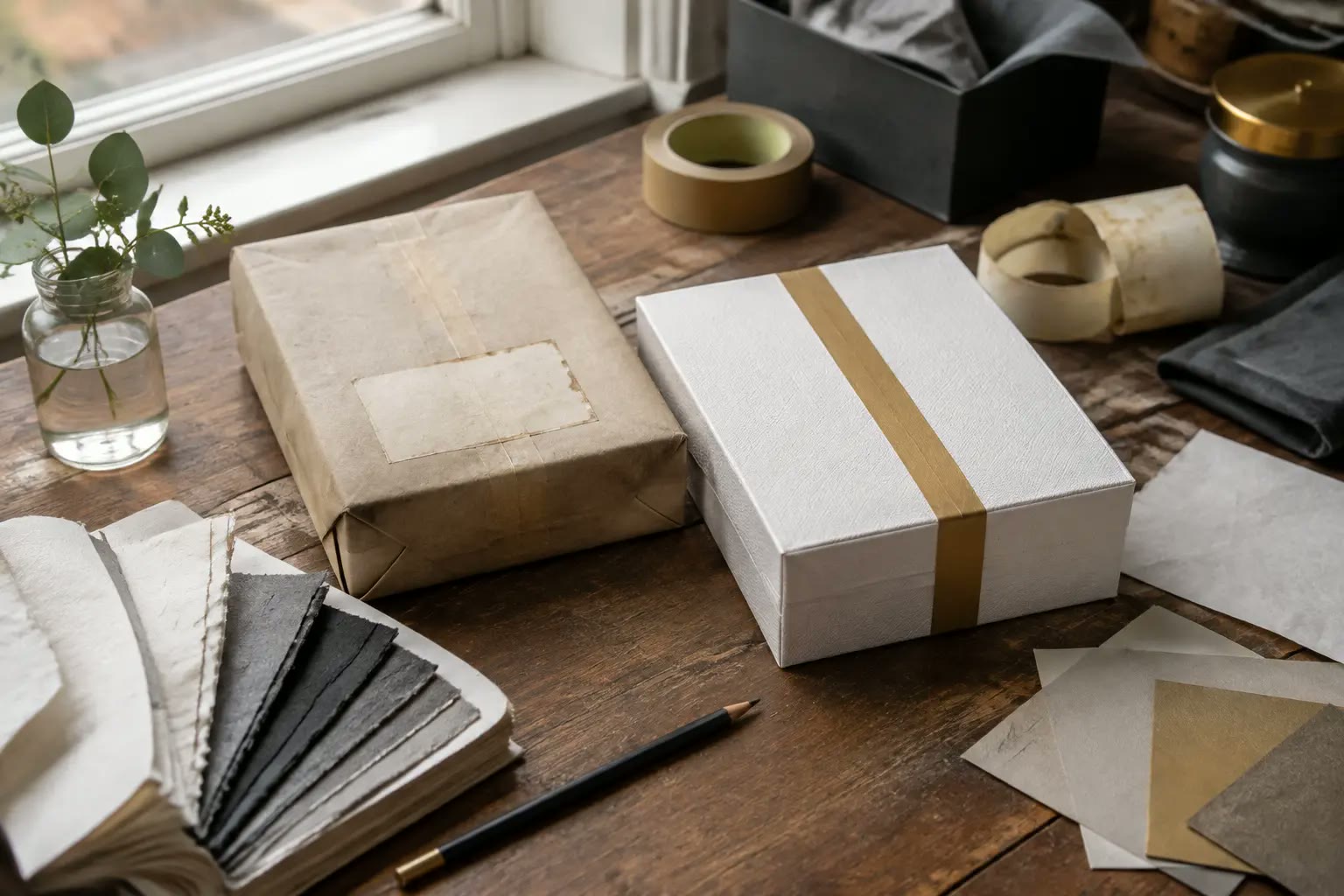
Tools, Materials, and Details
Close-up detail shots add texture and depth to your image library. Think about the small objects that represent your craft: scissors and combs for a barbershop, fabric swatches for a boutique, fresh ingredients for a restaurant, or a clipboard and toys for a daycare. These detail shots are easy to overlook during a session but are some of the most versatile images for social media.
Team Photographs and Owner Portraits
When applicable, plan individual portraits of each team member along with a group photo. Include a few candid, working shots in addition to posed ones, since candid images often feel more authentic on social media and about pages. If you're the owner, set aside time for a proper headshot and a few environmental portraits of you in your space. Customers increasingly want to see the people behind a small business, and these photos help build that connection.
Customer Interactions
Photos of real customers engaging with your business can be some of your most persuasive marketing material, but they require written permission before you use them publicly. If a customer is willing, capture moments like a stylist consulting with a client, a family picking up a takeout order, or a shopper trying on an item. Always confirm in writing that the customer agrees to have their photo used in your marketing before it goes anywhere public.
Horizontal, Vertical, and Square Formats
Different platforms and page layouts call for different image shapes. Ask your photographer to capture key shots in more than one orientation so you're not stuck cropping awkwardly later:
- Horizontal (landscape): website heroes, blog headers, desktop ads
- Vertical (portrait): Instagram and Facebook stories, Pinterest pins, mobile-first content
- Square: social feed posts, profile grids, thumbnail previews
Negative Space for Marketing Copy
Reserve part of your shot list for images with intentional blank or simple-background space. These "quiet" shots, such as a clean countertop, an uncluttered wall, or soft background blur around a product, give your marketing team room to add text overlays for ads, promotions, and announcements without cluttering the image.
Website and Social Media Needs
Before the session, list out the specific pages and posts you know you'll need to fill. A homepage hero, an about page portrait, service page photos, and a stocked folder of general-use social images are common needs across almost every business. Mapping this out ahead of time prevents the common problem of finishing a shoot and realizing you forgot to capture something you needed on day one. This kind of planning also supports a broader social media management strategy, since a steady supply of photos makes consistent posting far easier.
Props, Clothing, and Location Preparation
Small details make a noticeable difference in final images. Plan outfits in solid colors that match your brand palette, and avoid busy patterns or logos from other brands. Gather any props relevant to your business, such as fresh flowers for a boutique display or branded coffee cups for a cafe. Decide on locations in advance, whether that's your storefront, a client's home, or an outdoor setting with good natural light, and confirm access and timing ahead of the shoot day.
Usage Rights
Before the session wraps, confirm exactly how you'll be able to use the final images. Ask whether you'll own full usage rights, whether the photos can be used in paid advertising in addition to organic posts, and whether there's any time limit on your usage. Getting these answers in writing before booking avoids confusion once the images are delivered.
The Full Brand Photography Checklist
Print or save this list before your session:
- Homepage and website hero images (horizontal)
- Product shots: multiple angles, packaging, groupings
- Service-in-action shots from start to finish
- Wide shots of your storefront, workspace, and interior
- Close-up detail shots of tools and materials
- Individual and group team photos
- Owner headshot and environmental portrait
- Customer interaction shots with signed permission
- Vertical shots for stories and mobile content
- Square crops for social feed posts
- Negative-space shots for future text overlays
- Confirmed usage rights in writing
Key Takeaways
- Build your shot list around specific pages and posts you need to fill, not just general categories.
- Capture products, services, workspace, and team photos in more than one orientation.
- Reserve time for negative-space shots that support future marketing copy.
- Get written permission before using any customer photos publicly.
- Confirm usage rights before the session, not after.
Once your shot list is ready, the next step is finding a photographer who understands how to translate it into images that work across your website and social channels. Reading more about why professional brand photography matters can help you set expectations for the session itself.
Frequently Asked Questions
How long does a typical brand photography session take?
It depends on how many items are on your shot list, but most small-business sessions run a few hours to a full day. A detailed shot list shared in advance helps the photographer plan the time efficiently.
How many final photos should I expect from a session?
This varies by photographer and session length, so it's worth asking directly during booking rather than assuming a number.
Can I create my own shot list without a photographer's help?
Yes, this checklist is designed to help you do exactly that, but sharing it with your photographer ahead of time still helps them plan lighting and setups for each shot type.
Ready to put this list into action? Find a Brand With Care photographer who can help you plan and shoot a session built around your business. Explore our full range of services to see how photography fits into a broader content strategy.